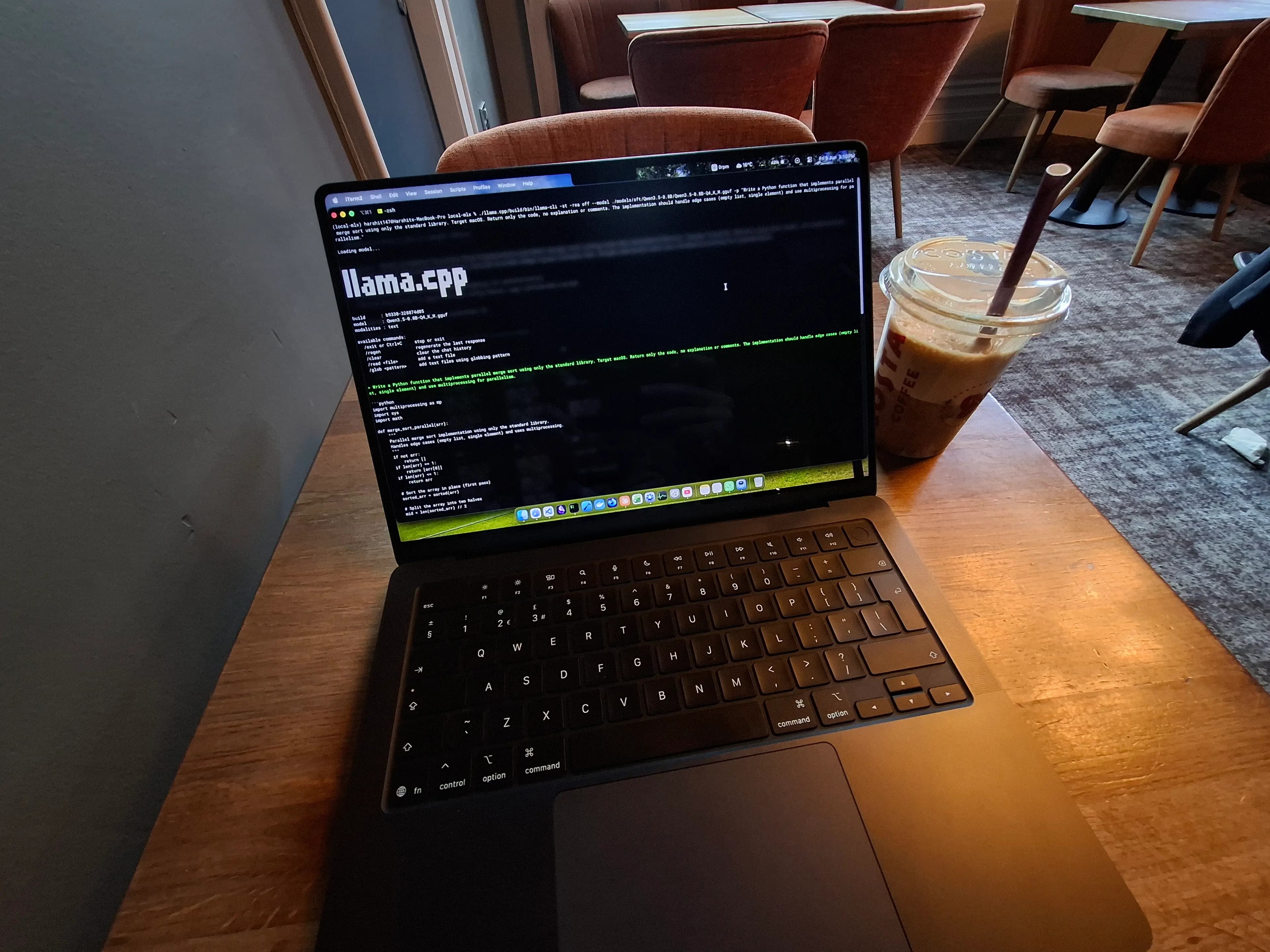
Benchmarking Qwen 3.5 on Apple Silicon
Jun 08, 202617 min read
While nothing beats having an Nvidia graphics card, Apple GPUs have to be underrated when it comes to running LLMs. They are designed by Apple, are highly power efficient and utilise Apple's Unified Memory Architecture. This means that a single piece of memory is shared between the CPU and the GPU without any additional copies.
Alibaba released a family of Qwen 3.5 models in early 2026. I benchmarked three small language models from the Qwen 3.5 family on my MacBook Pro, with 3 different quantisations and 2 different inference runtimes. With a few settings configured, I was able to achieve llm throughput up to 200 token/s 🚀.
How did I achieve this? Why use two different inference engines? How does quantisation affect memory footprint and throughput? Let's find it all out.
Setting up
Earlier this year (Feb 2026), Apple released the new MacBooks with the M5 series of chips. Around the same time, Alibaba released their Qwen 3.5 family of models. This was the opportunity for me to run and benchmark these latest models locally on my hardware.
We create a folder called local-mlx and created a new virtual environment with uv. After activating the environment, we install a few packages:
uv pip install mlx mlx-lm hf-cli
# e.g. to install a Hugging Face model locally
hf download Qwen/Qwen3.5-9B --local-dir ./models/sft.
Hugging Face provides a CLI to interact with their platform. I used it to download the models under the models/sft directory.
I installed three models: 0.8B, 2B and 9B since these were the smallest models I could afford to run on my hardware, because they took up 1GB, 4GB and 20GB of disk space. But these were more than enough to learn and understand the variation between model size, parameters count and quantisations amongst all three models.
For the inferencing runtime, we will use MLX-LM and Llama.cpp. MLX-LM is an inferencing runtime that is powered by MLX: A machine learning framework by Apple for Apple Silicon.
Llama.cpp on the other hand, is an open source project written in C++ and is supported on various platforms. It is the inference engine that powers Ollama and LM Studio. You can follow their installation guide here for your Mac.
Conversion from safetensors
Before we start the inferencing and see the difference between the above two runtimes, we need to run certain conversion scripts in the installed models. These scripts are necessary because the runtimes do not simply intake the safetensors format (others might do but the ones we have don't).
Llama.cpp
Let's start with llama.cpp. Llama.cpp takes gguf model files as input instead of safetensors. Basically GGUF is a file format for storing large language models in one large file with all the weights, activations, architecture and meta data.
Thankfully, Llama.cpp provides conversion scripts for us to run. We just have to install a few external packages within the requirements directory.
# inside the project directory local-mlx
cd ./llama.cpp/requirements
uv pip install -r requirements-convert_hf_to_gguf.txt
Now using the script convert_hf_to_gguf.py under the base llama.cpp directory, we convert all the models from safetensors to get a large GGUF file. Depending on your CPU, memory and model size, this can take a few minutes.
python ./llama.cpp/convert_hf_to_gguf.py ./models/sft/Qwen3.5-0.8B
You will see that a GGUF file is generated ending with -BF16.gguf. Model parameters are trained and stored on 16 bit precision (usually bfloat16) which can consume memory and disk space pretty fast. Depending on your hardware, this can be extremely slow to load and perform computations or it might not even load at all!
We perform quantisation on model parameters, which reduce the precision from 16 bits to 8, 4 or even 2 bits. This resulted in the lower memory footprint, faster inference and lower disk space but can also reduce model's output quality as the weights and activations are less accurate than before.
For our use case (and even for most cases), this is a reasonable tradeoff and it hardly affects the output quality.
Using the llama-quantize script, we perform the quantisation on the GGUF model and specify the output GGUF along with precision format. As an example we are performing Q4_K_M quantisation on the existing BF16 model.
./llama.cpp/build/bin/llama-quantize ./models/sft/Qwen3.5-0.8B/Qwen3.5-0.8B-BF16.gguf ./models/sft/Qwen3.5-0.8B/Qwen3.5-0.8B-Q4_K_M.gguf Q4_K_M
For the scope of this blog, we are going to work with three formats: BF16 (native), Q8_0 (8-bit quantisation) and Q4_K_M (4-bit quantisation).
For llama.cpp models, we perform 3 GGUF conversion scripts (Qwen 3.5 0.8B, 2B and 9B) and 6 quantisation scripts (each model to Q8_0 and Q4_K_M).
Apple MLX
For MLX models, the above process is relatively a bit more straightforward. We installed another open-source package called mlx-lm which has all the necessary scripts for conversion, inference as well as quantisation.
To convert the model, we use the mlx_lm.convert command to perform the conversion. You only need to pass two arguments.
mlx_lm.convert --hf-path ./models/sft/Qwen3.5-0.8B --mlx-path ./models/mlx/Qwen3.5-0.8B-Bf16
By default, the script converts the safetensors model to mlx based model without any quantisation. We only have to add two flags to quantise the model along with the conversion.
mlx_lm.convert --hf-path ./models/sft/Qwen3.5-0.8B --mlx-path ./models/mlx/Qwen3.5-0.8B-Bf16 -q --q-bits 4 (or 8)
Just as always, the time to execute this script depends on your hardware as well as the model size.
💡
Note that the exact quantisation format in llama.cpp is more explicit than in MLX. This is because there are multiple schemes for the same bit width. This isn't exactly a fair comparison, but for the scope of this blog we will assume them to be same. Our objective is to understand how the two runtimes handle quantisation during inference.
You could also checkout the MLX community Hugging Face page to checkout more MLX based models.
Finally for MLX models, we perform 9 conversions : 0.8B, 2B and 9B to MLX and each to 3 precisions - native 16 bit, 8 bit and 4 bit.
Running model inference
Now that we have the models prepared, we are ready to run inference and perform our mini-benchmark.
To generate some output, I came up with a prompt to generate a python script. It is simple enough for the models to execute but long enough for the model to spend a small amount of time processing the prompt. It is roughly 60 tokens.
Write a Python function that implements parallel merge sort using only the standard library. Target macOS. Return only the code, no explanation or comments. The implementation should handle edge cases (empty list, single element) and use multiprocessing for parallelism.
One important setting we have to keep is to turn off reasoning. Small models, especially Qwen 3.5 series, are infamous for getting stuck in a doom loop. The model is stuck repeating tokens during reasoning in an infinite loop. This wastes both time and resources and you manually have to kill the process.
Unless you're running this on a Mac mini or a Mac Studio, I would recommend you to plug-in your laptop to avoid battery overheating, and achieve better sustained performance.
💡
We note the second run of benchmarks and not the first run. That is because in the first run, the engine is loading the model from disk onto the memory, compiling GPU kernels (Metal in our case) and optimising OS-level cache. This setup overhead results in increased time rather than actual inferencing time. With the second run, the cache is already warm and the kernels are up and loaded which gives us a more accurate inference time.
Inferencing in Llama.cpp
To perform inferencing in llama.cpp, I wrote a shell script to avoid rewriting the entire command. It only takes the GGUF model as an input.
#!/bin/bash

if [ -z "$1" ]; then
  echo "Usage: ./infer.sh <path-to-model.gguf>"
  exit 1
fi

MODEL=$1
PROMPT="Write a Python function that implements parallel merge sort using only the standard library. Target macOS. Return only the code, no explanation or comments. The implementation should handle edge cases (empty list, single element) and use multiprocessing for parallelism."

time ./llama.cpp/build/bin/llama-cli -st -rea off -p "$PROMPT" --model "$MODEL"
There is a time command for Mac that helps us check the execution time for a particular command. We are interested in the real/total time as this gives us the total time from key pressed to last token generated. To run the script:
chmod +x infer.sh (run this only the first time)
./infer.sh ./models/sft/Qwen3.5-0.8B/Qwen3.5-0.8B-Q4_K_M.gguf
You can see the runtime loads the model, processes the prompt and generates the output code. At the end you will see a two results: "Prompt" and "Generation" corresponding to the two stage LLM output generation.
Here, Prompt is the prefill throughput. The LLM reads the entire prompt in parallel, performs the attention mechanism, generates context and controls the Time to First Token (TTFT). This is a most compute heavy step in LLM processing.
Since the input tokens are read in parallel, the prompt throughput will significantly be higher than the generation phase.
Generation here is the decode throughput. The LLM now sequentially generates new tokens based on the context and previous tokens and is memory bound. This directly translates into how fast the new generated tokens are that we see in the screen.
We run the inference for all 9 models in GGUF format similarly and we will see how the results vary later.
Inferencing in MLX
Just like the setup, inferencing in MLX is relatively more straightforward. MLX-LM package has a generate script with which, we can enter the model path, the prompt and set verbose output as True to view our metrics.
We could type the entire command out in terminal, but setting flags, writing the entire prompt and changing model paths would be a hassle. But since we are working with a python package, we can write a basic python script that executes the same task.
from mlx_lm import load, generate

prompt_input = "Write a Python function that implements parallel merge sort using only the standard library. Target macOS. Return only the code, no explanation or comments. The implementation should handle edge cases (empty list, single element) and use multiprocessing for parallelism."

name = "./models/mlx/Qwen3.5-0.8B-4-bit" # just change the model paths

model, tokenizer = load(name)

print(name)

messages = [
        {
            "role":"user",
            "content": prompt_input
        }
]

prompt = tokenizer.apply_chat_template(
        messages,
        add_generation_prompt=True,
        enable_thinking=False,
        max_tokens=16384
)


response = generate(model, tokenizer, prompt=prompt, verbose=True)
I saved this into generate.py and executed the script as time python generate.py. The output should be the same as to that of below.
The nice thing about using MLX is that it also gives you peak memory consumption in GB. This memory is not just the KV-cache, but it's the sum of model weights in the memory, the KV-cache, activation tensors and the memory buffer used by MLX-LM package to optimise performance in macOS. This becomes important if you are running really large models locally on your Mac as we will see further.
Just as before, we run this same script with 9 different models and see how the results differ in terms of model size, parameter count quantisation.
Remember: We always run the second pass instead of the first pass i.e. we run the script once and then we run it again to get our results.
Plotting the outputs
I ran the inferencing on my MacBook Pro and the results were very interesting. The graphs and the numbers that I'm going to show might be different than what yours. I have a MacBook Pro with the base M5 chip and 24 GB of Unified Memory.
First, let's explore how a model (Qwen 3.5 0.8B) performs at different quantisations.
Although this is the smallest model out of all three, this tells us a lot about how the same model behaves when quantised down to 8 and 4 bits as well as its behaviour in the two different engines.
The very obvious thing to note here is that as the model is quantised down to smaller bits, its performance increases and we see speed up in prefill and decode throughputs.
We get to see another interesting thing happening between the two engines. In llama.cpp the prefill throughput is significantly higher than in MLX, but in MLX the decode throughput tops the charts here.
Let's see if the same behaviour holds true in the case of Qwen 3.5 2B:
The same model indeed is behaving differently in both the engines. Can you figure why? We will later know why exactly this is happening.
Here's another graph that shows how the three models behave across the same 4-bit quantisation both in llama.cpp and MLX:
For my hardware, I was able to run Qwen 3.5 9B only at 4 bit. The above graph confirms that as the model scales up, the performance decreases, time to generate increases and the throughput goes down.
An interesting case of the 9B variant
The largest model in our series generated a lot of community discussion for its performance punching well above its weight. Some benchmarks online even concluded that the output quality of this model was very similar to those of frontier models like Opus 4.6 and GPT 5.3-Codex, especially in terms of agentic coding. And this is the reason that I wanted to take slightly older series of models.
Let's start with llama.cpp, both compiled with and without Metal kernels for Apple GPU:
At native precision, the model simply couldn't load at my hardware! Llama.cpp literally paints your terminal in red with errors just to tell you don't have sufficient memory. This might not be the case if you have more unified memory than mine.
In another case of Q8_0 with Metal kernels, I mentioned "Did not fully generate". That is because the engine when compiled with Metal backend, which is optimised for Apple Silicon, somehow managed to push the GPU and Memory to its limits just to squeeze out every single token.
I had to zoom out to show the overall result from the command to the final output. The throughput performance was 85.4 tokens/s for prefill stage and 4.2 for decode. This was absolutely insane.
MacOS remains fluid and smooth for 99% of the time, but this was that 1% where my laptop felt very sluggish and freezing. The fan was roaring and I could feel my laptop base getting very warm. But thanks to macOS' memory optimisation, this only lasted for a few seconds before everything went normal.
So llama.cpp had absolutely failed to run on my Mac. But what about MLX?
Very surprising! MLX had managed to run the model and get a proper inference result, without leaving the system sluggish! When quantised to 4 bits, the model even achieved more than 200 tokens/s in prefill throughput!
As mentioned before, the nice thing about MLX is that we also get a memory footprint of the inference in the verbose output. Here's the peak memory consumption as well as total inference time at all three quantisations:
For native precision, the peak memory consumption is 18GB. That is extremely large and leaves only 6GB to macOS. At idle, macOS consumes anywhere from 4-10GB of memory.
This means that MLX must have pushed the memory to its limits just to make sure that the model runs. And this 18GB is just for the inference, this hasn't even accounted for the KV cache , which can take even more memory.
While running the inference at 16 bit with MLX, I quickly opened Activity Monitor and captured how MLX was increasing the memory pressure.
The total memory consumption is 23GB, just 1 GB away from fully utilising the RAM! We can see memory pressure being yellow when macOS was compressing other data to accommodate the loading model.
We can also see a red slice as when MLX was trying to load the model, the memory experienced a huge pressure and was utilising swap space from the hard disk. Once the model was fully loaded, the operating system had comfortably managed to run the model efficiently. Clever!
So why two engines?
Why did I choose two inference engines to begin with? Honestly I was quite curious to see what the difference was exactly, and wanted to know how these engines behave at the same hardware.
I could've gotten my answer simply by running one single model, but the 9B gave me a deeper idea about how these inference engines work.
It comes down to the core philosophy behind these two engines:
-
Llama.cpp follows the edge-first principle, to have LLMs run on edge devices like mobile phones. In the case of Apple, it uses Metal Shading Language (MSL) as the backend to directly talk to the GPU. It uses its own model format: GGUF and doesn't fully utilise the Unified Memory architecture. It is hardware agnostic and requires minimum dependencies.
-
MLX is designed by Apple's own machine learning research team. It is a research-first framework and is designed around Apple's Unified Memory architecture. It follow a lazy evaluation by creating a graph representing computations and evaluating operations only when necessary.
Clearly, Llama.cpp is compute optimised in the case of Apple. The Metal kernels are extremely aggressive at utilising GPU's compute units, which results in higher prefill speeds which is compute-bound.
But since MLX is more optimised for Apple, the objective is more shifted to utilising the memory more efficiently. This resulted in faster decode speed, since decode is memory-bound.
Llama.cpp treats Apple GPU as a separate component like a dedicated graphics card in PC, resulting in redundant data copies within the same unified memory pool. But MLX knows that the same data is simply copied to both the CPU and the GPU, it was able to utilise the hardware better.
This explains why MLX was able to run the 9B variant whereas llama.cpp was not.
Takeaways and Conclusion
What did we learn
From the experiments, the plots and our discussion, here are the things we have learned:
-
Larger models consume more memory and take longer to generate — quantisation trades a small amount of precision to bring that memory footprint down, reducing latency.
-
Depending on your use case and the engine's behaviour with the hardware, we have to make certain trade-offs when choosing an inferencing engine.
💡
It is often recommended to avoid over-quantising down the model just to squeeze more tokens as it can degrade the quality of outputs. For most cases, 8 bit is the sweet spot. We haven't qualitatively measured LLM outputs — that's a harder problem and a separate topic entirely.
In the case of Mac or even iPhone, mlx-lm should be your default choice. It utilises the MLX framework which is specifically designed for Apple Silicon. If you happen to have a more powerful hardware than mine, then I strongly recommend you to perform these benchmarks and share the results.
Final note
We have quantitatively measured how LLMs are able to run on consumer hardware, with the specific case of Apple Silicon. We picked up some genuinely intuitions when it comes to running AI locally.
On the software side, the gap between open and frontier models is closing fast and it's only a matter of time before they fully catch up. The hardware however is something that still might take a while before running AI locally is as cheap and simple as running a web browser.
My most favourite moment was to observe that Activity Monitor turn yellow and suddenly red when the LLM fought the OS for memory. Almost magical!
I really hope my blog gave you something to think about. Until next time 💻🚀
Also read:
-
Layers of AI: https://harshit147.dev/blog/layers-of-ai
-
Starting with Coding agents: https://harshit147.dev/blog/starting-with-coding-agents